
Introduction There is no Windows error more paralyzing than the Blue Screen of Death (BSOD), and among the hundreds of possible stop codes, DPC_WATCHDOG_VIOLATION (Error 0x00000133) is notoriously one of the most stubborn to resolve. It strikes seemingly at random—while rendering a video, playing a heavy game, or even during idle web browsing—forcing your PC …
Month: October 2026
You try to visit a secure website on your Mac, and Safari abruptly blocks your path with an ERR_SSL_PROTOCOL_ERROR. This error means Safari cannot verify the cryptographic security of the destination server. While it looks like a severe network threat, it is almost always a simple miscommunication caused by your local macOS settings. The Technical …
You click a link expecting to access a critical webpage, and instead, you hit a brick wall: a blank white screen declaring “503 Service Unavailable.” It is infuriating when a site you need suddenly drops off the map. While this status code usually means the website’s server is buckling under pressure, your local Windows 11 …
You press Enter to load a website in Microsoft Edge, and your progress is instantly blocked by a stark “400 Bad Request” message. This specific error is uniquely frustrating because it implies that your computer did something wrong. Unlike a 500-level error where the website’s server is broken, a 400 status code means the server …
You type a web address, hit Enter, and your browser abruptly slams on the brakes with a DNS_PROBE_FINISHED_NXDOMAIN error message. It feels like hitting a dead end on the internet. This error completely locks you out of your target website, but the root cause is almost always a simple misdirection happening right on your local …
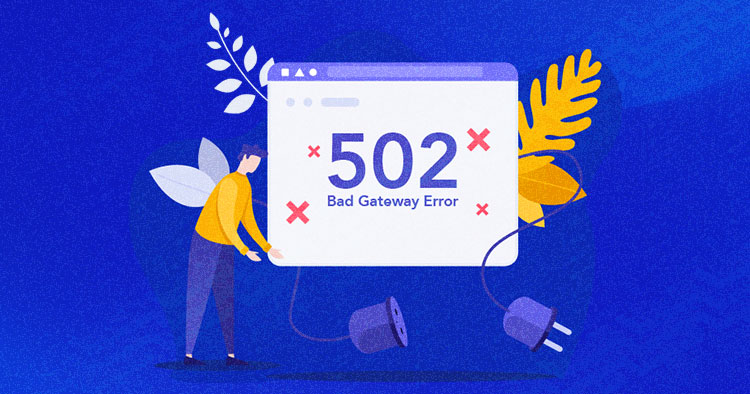
You drag the perfect featured image into your WordPress media library, wait for the loading bar to fill, and are suddenly hit with a red “502 Bad Gateway” error. It completely derails your publishing workflow and prevents you from completing your post. While 502 errors usually indicate a widespread server outage, seeing it specifically during …
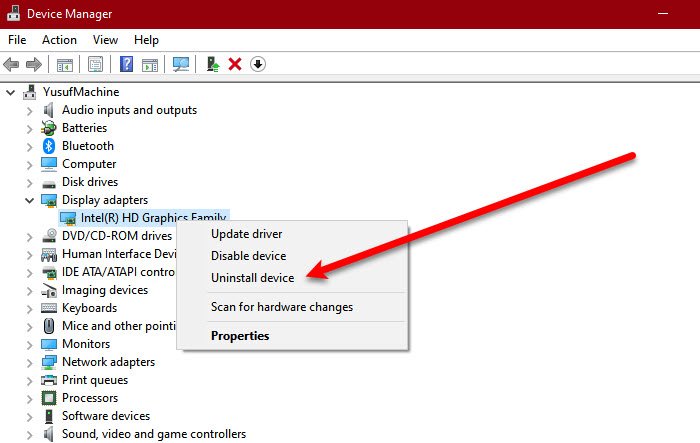
Your screen freezes, flickers to black for a terrifying second, and then blinks back to life with a notification stating your Intel display driver stopped responding. This usually happens right after your machine forces a Windows 11 update in the background. It disrupts your workflow, kills your focus, and leaves you wondering if your computer’s …
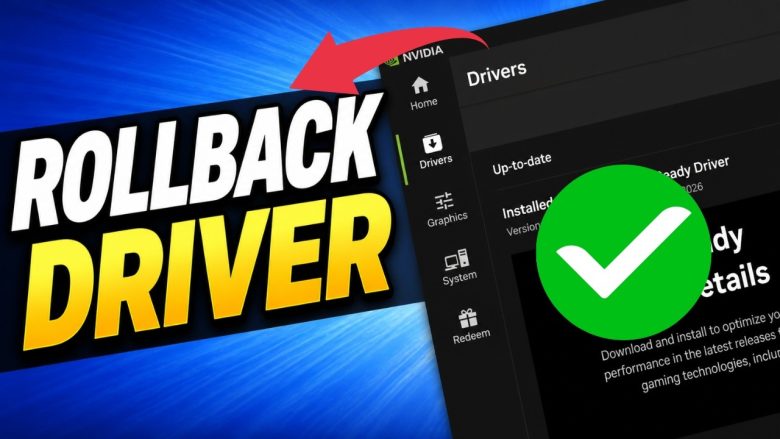
You boot up a demanding game or launch your video editing software, only to be met with severe stuttering, random black screens, or an outright crash immediately following a GeForce update. A poorly optimized NVIDIA display driver can instantly cripple a perfectly healthy Windows 10 machine. Instead of waiting weeks for a patch, you can …

You plug your external hard drive into your computer, expecting to access your backup files or media library, but instead, a dreaded yellow notification pops up: “USB Device Not Recognized.” Panic immediately sets in as you wonder if years of photos, critical work documents, or massive project files are permanently gone. Before you assume the …
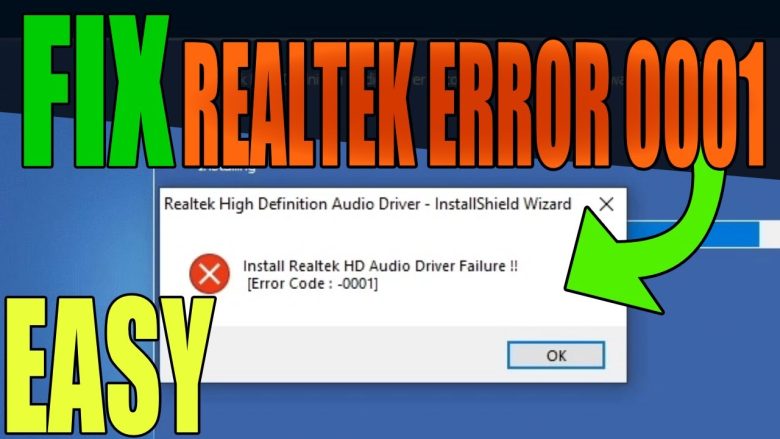
You boot up your PC ready to join a critical meeting or stream a movie, but you are met with total silence and a stubborn red “X” over the speaker icon in your system tray. A failed Realtek High Definition Audio driver is one of the most disruptive software glitches on Windows, instantly paralyzing your …